A Step-by-Step Guide to Diagnosing Common Drone Issues


Drones have become an essential tool for hobbyists and professionals alike. However, like any piece of technology, they can experience issues that affect performance. Understanding how to diagnose these problems is crucial for quick troubleshooting and ensuring your drone remains in the sky.
Inspecting Physical Damage
Before diving into complex diagnostics, it’s important to conduct a thorough physical inspection of your drone. Check for visible damage such as cracks in the frame, loose propellers, or bent components. These issues can significantly impact flight stability and performance.
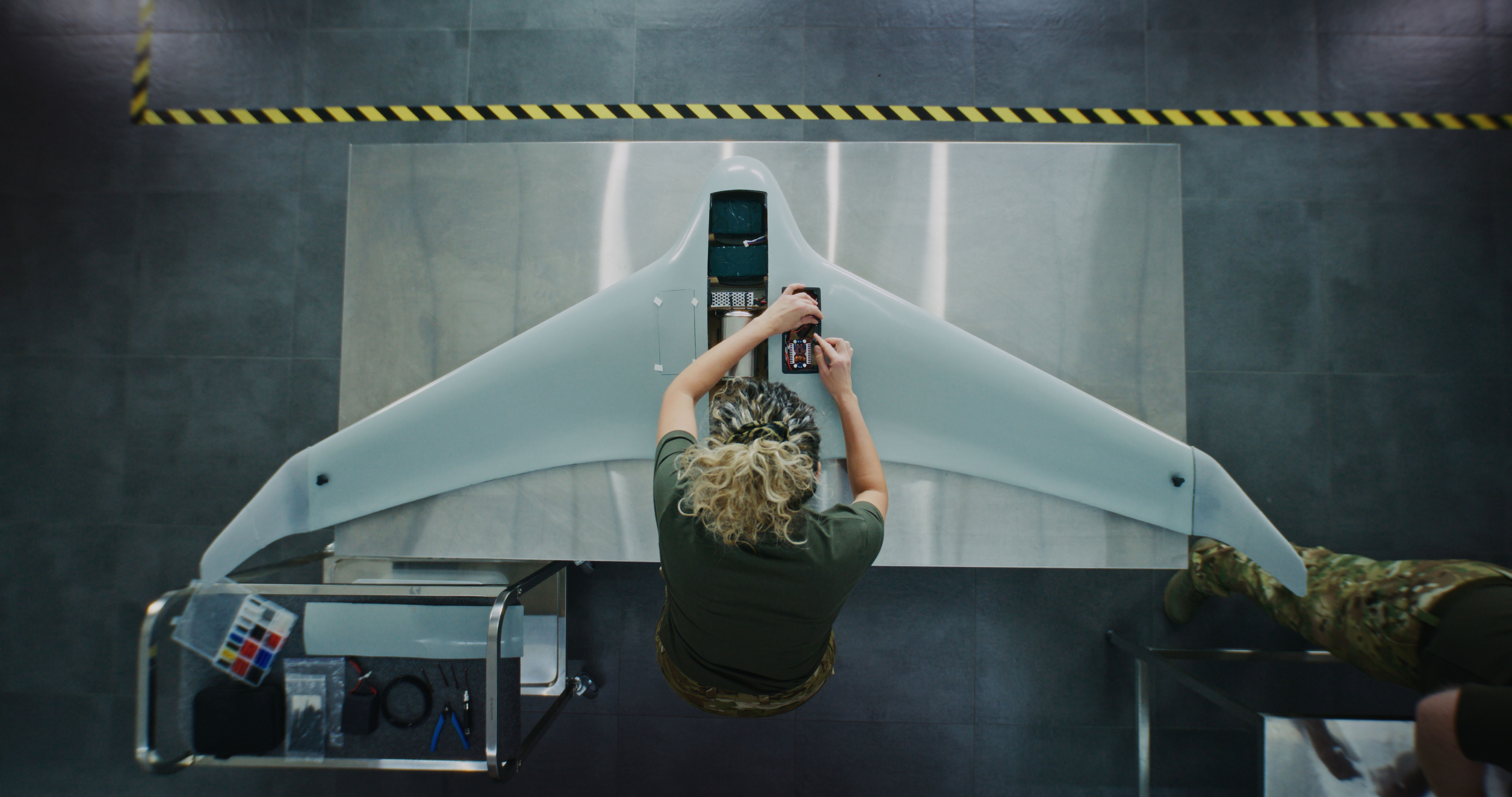
If you notice any physical damage, it's advisable to replace or repair the affected parts. Often, propeller damage is the culprit, and swapping them out for new ones can restore your drone’s functionality.
Battery and Power Issues
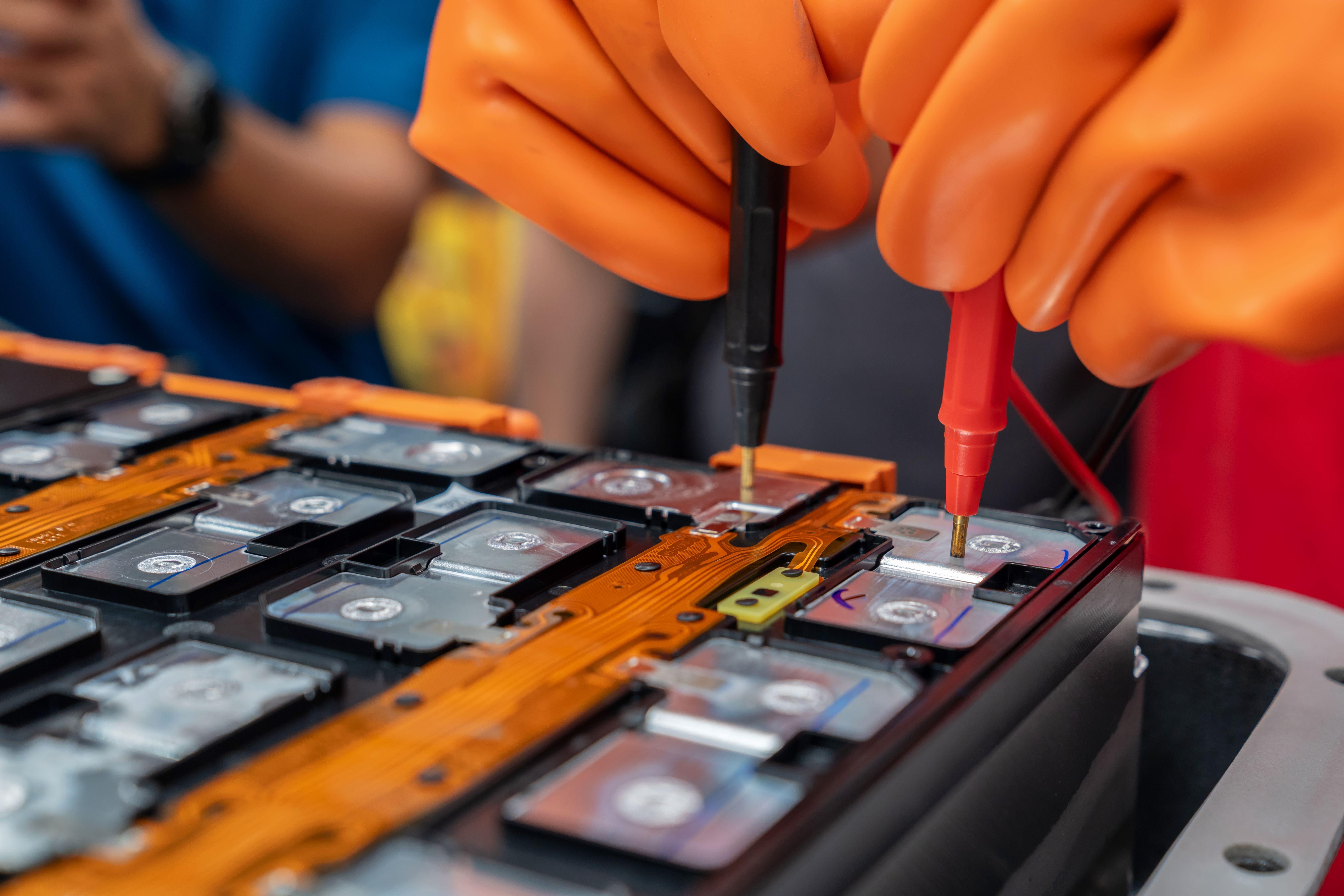
A common issue with drones is related to battery performance. If your drone isn’t powering on or is losing power mid-flight, start by checking the battery. Ensure it is fully charged and properly connected. Sometimes, a simple reconnection resolves the problem.
Additionally, inspect the battery for swelling or leaks, which can indicate a need for replacement. Using a damaged battery can be hazardous and impede your drone’s performance.
Calibrating the Drone
Calibration is essential for maintaining accurate flight control. If your drone is drifting or not responding correctly to commands, recalibration might be necessary. Most drones have a built-in calibration process accessible through their controller or app.
- Place the drone on a flat surface.
- Access the calibration settings via the controller or app.
- Follow the on-screen instructions to complete the process.
Connectivity Problems
Connectivity issues between the drone and the controller or app can hinder operation. Start by ensuring both devices are updated with the latest firmware. Outdated software can lead to compatibility problems.
If the problem persists, try re-pairing the devices. This can often resolve any lingering connectivity issues and improve communication between the drone and its controller.

GPS and Sensor Accuracy
GPS and sensors play a critical role in the drone's ability to navigate and hover. If you notice erratic movements or difficulty holding position, verify that the GPS and sensors are functioning correctly. Ensure the drone is in an open area with a clear view of the sky to receive a strong GPS signal.
Cleaning the sensors can also help improve accuracy. Use a microfiber cloth to gently wipe away any dirt or debris that may obstruct their function.
Conclusion
Diagnosing common drone issues doesn’t have to be daunting. By following these steps, you can often identify and resolve problems quickly, keeping your drone in optimal condition. Regular maintenance and timely troubleshooting are key to extending the life of your drone and ensuring smooth flights.