DIY Drone Maintenance: Simple Fixes Before Calling the Experts


Understanding Basic Drone Maintenance
Keeping your drone in optimal condition ensures a longer lifespan and better performance. Routine maintenance can prevent minor issues from becoming major problems. Before calling in the experts, there are several simple fixes you can perform yourself.
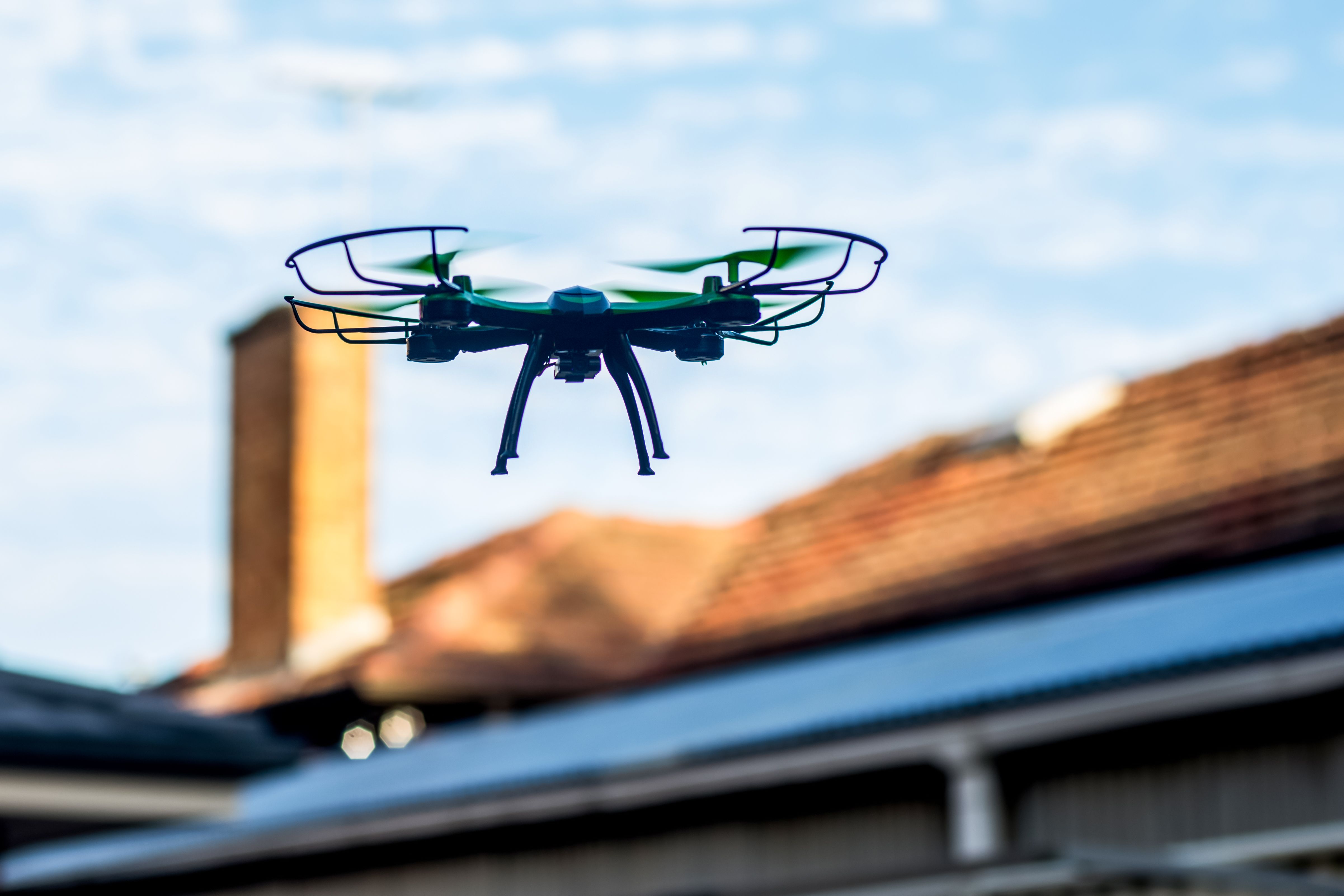
One of the most common maintenance tasks is checking the propellers. Ensure they are securely attached and not damaged. Bent or chipped propellers can cause instability during flight. Replacing them is often an easy fix that can drastically improve performance.
Battery Care and Management
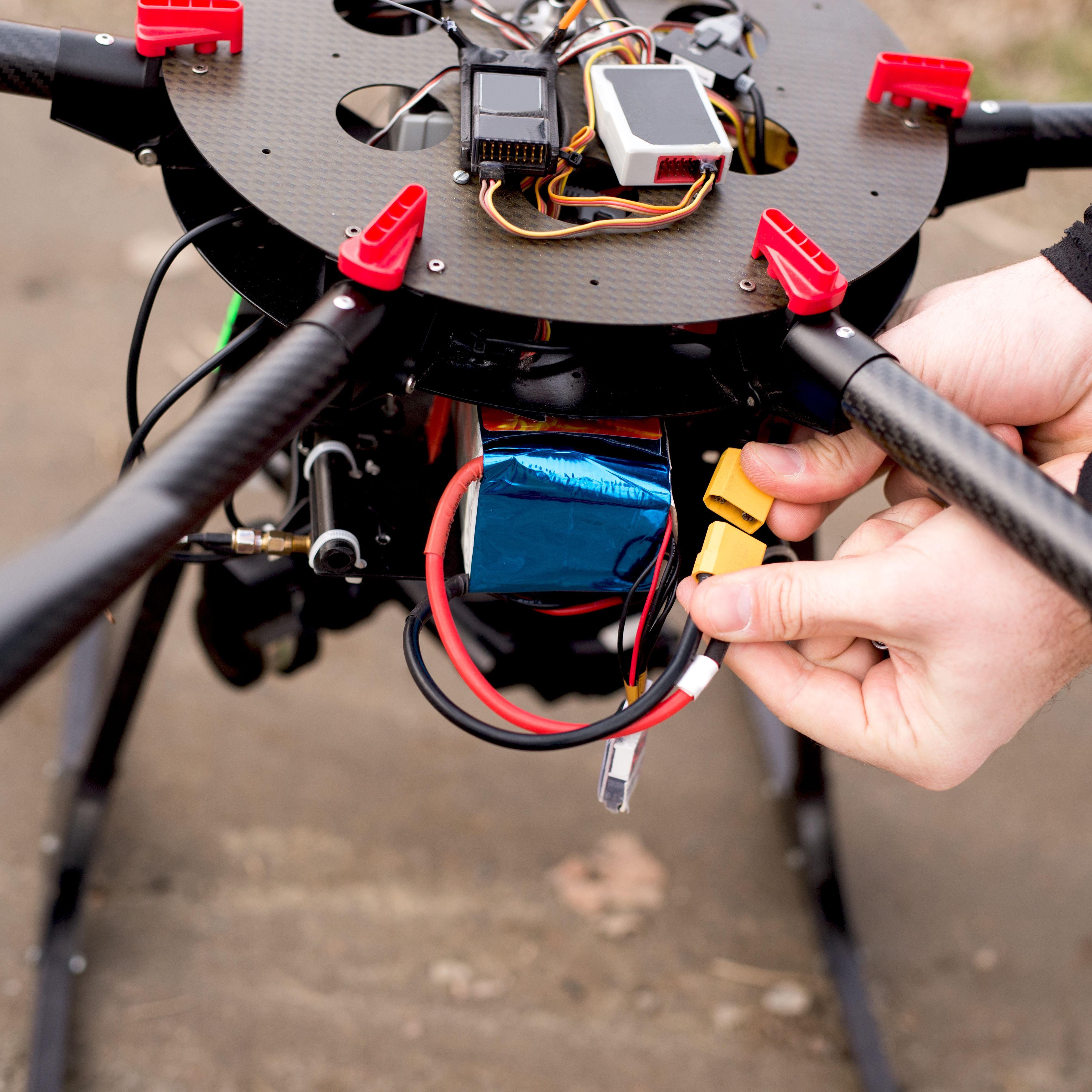
The battery is the heart of your drone. To maintain its efficiency, always fully charge it before use and avoid letting it drain completely. Check for any swelling or damage, as these are signs that a battery is nearing the end of its life.
Store your battery in a cool, dry place when not in use. Extreme temperatures can affect its lifespan. Also, regularly clean the battery contacts with a soft cloth to ensure a good connection.
Software Updates and Calibration
Manufacturers frequently release firmware updates to improve drone performance and fix bugs. Regularly check for these updates and install them as soon as they become available. This keeps your drone operating smoothly and securely.
Calibration is another key aspect of drone maintenance. If your drone is drifting or not responding accurately, recalibrate the compass and gyroscope. Follow the manufacturer's guidelines for this procedure to ensure accuracy.

Inspecting the Drone Frame
Regularly inspect the drone's frame for cracks or loose parts. Tighten any screws that may have come loose during flight. If you notice any significant damage, it might be wise to consult a professional.
Cleaning is also crucial. Remove any dust or debris from the drone, especially after flying in sandy or muddy environments. Use a soft brush or compressed air to gently clean the components.
Troubleshooting Connectivity Issues
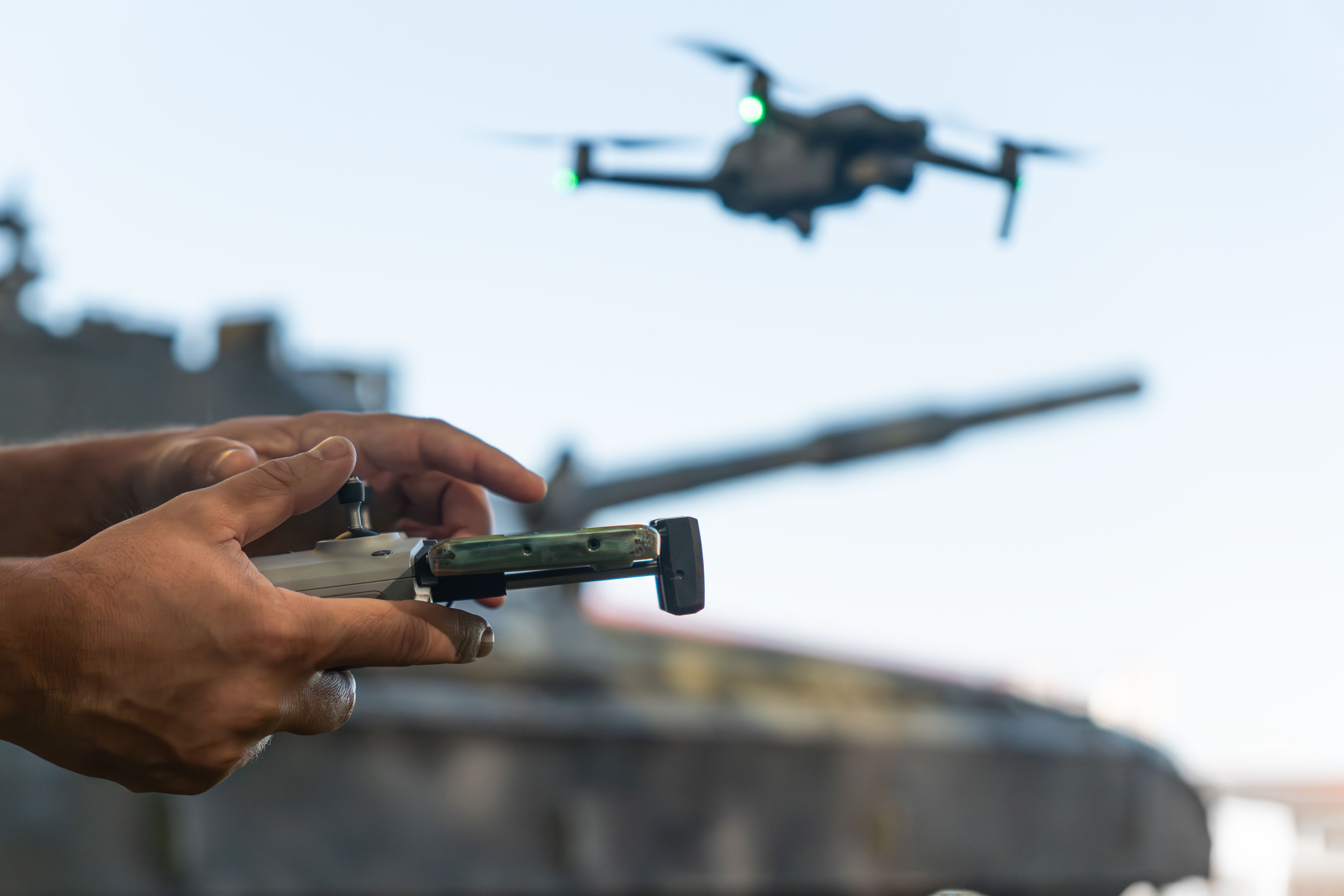
If your drone is experiencing connectivity issues, check the controller's signal strength. Ensure that both the drone and the controller have updated firmware. Sometimes, simply restarting both devices can resolve minor connectivity problems.
For persistent issues, try recalibrating the controller and checking for any interference from other electronic devices. This simple step can often restore a stable connection.
Final Thoughts on DIY Drone Maintenance
By following these simple maintenance tips, you can keep your drone in top condition and enjoy seamless flights. While these fixes are straightforward, don’t hesitate to consult a professional if you encounter complex issues beyond basic maintenance.
Remember, regular care and attention to detail can prevent the need for costly repairs and extend the life of your drone. Happy flying!